




Related Products


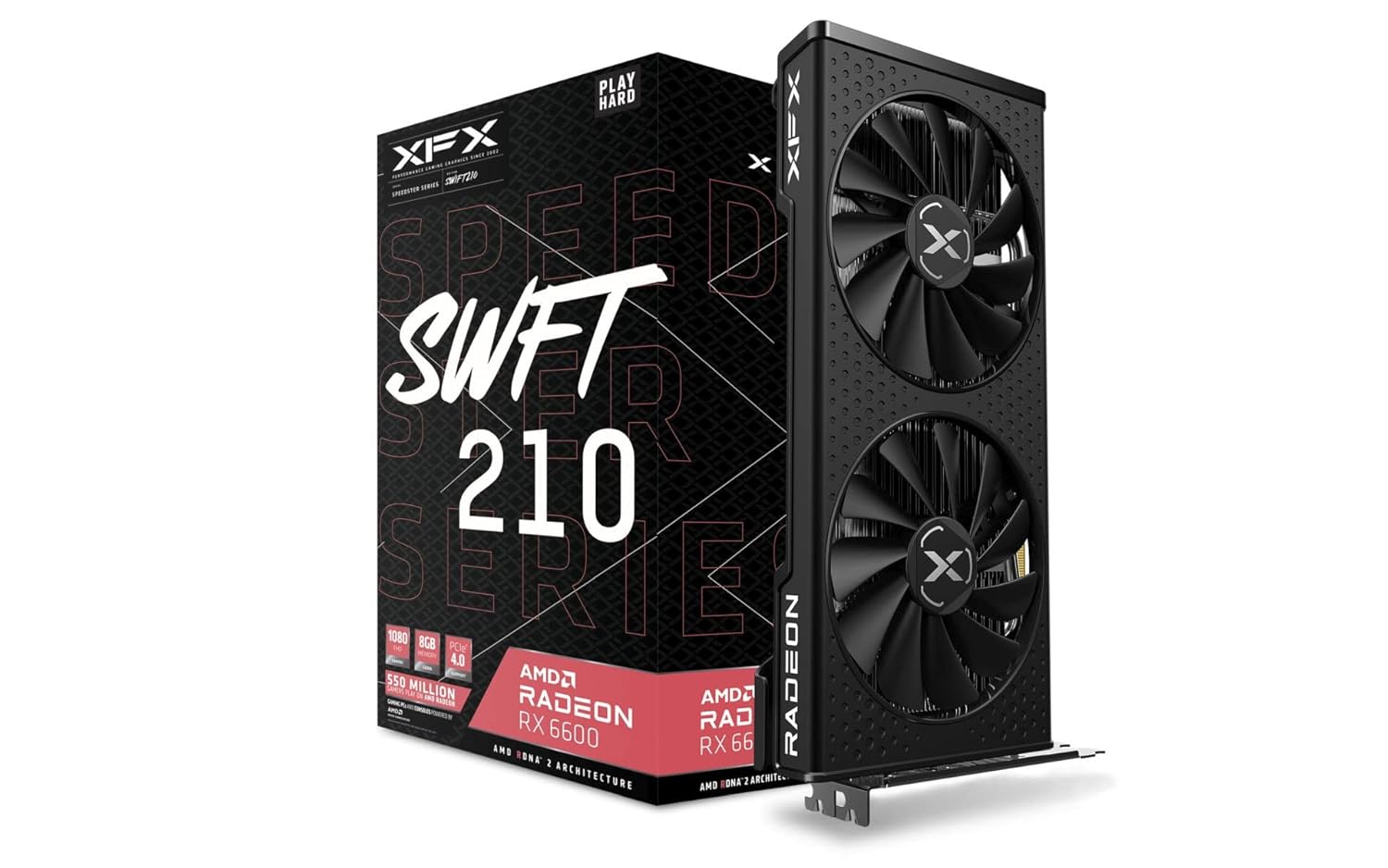
XFX Speedster RX 6600 Gaming Graphics Card
| Memory Speed | 1626 MHz |
|---|---|
| Graphics Coprocessor | AMD Radeon RX 6600 |
| Chipset Brand | AMD |
| Card Description | Dedicated |
| Graphics Card Ram Size | 8 GB |
| Brand | XFX |
| Series | RX 6600 CORE Gaming Graphics Card |
| Item model number | RX-66XL8LFDQ |
| Item Weight | 2.2 pounds |
| Product Dimensions | 9.49 x 5.16 x 1.61 inches |
| Item Dimensions LxWxH | 9.49 x 5.16 x 1.61 inches |
| Computer Memory Type | GDDR6 |
| Batteries | 1 Lithium Ion batteries required. |
| Manufacturer | XFX |
| Language | English |
| Country of Origin | China |
| Date First Available | December 18, 2020 |

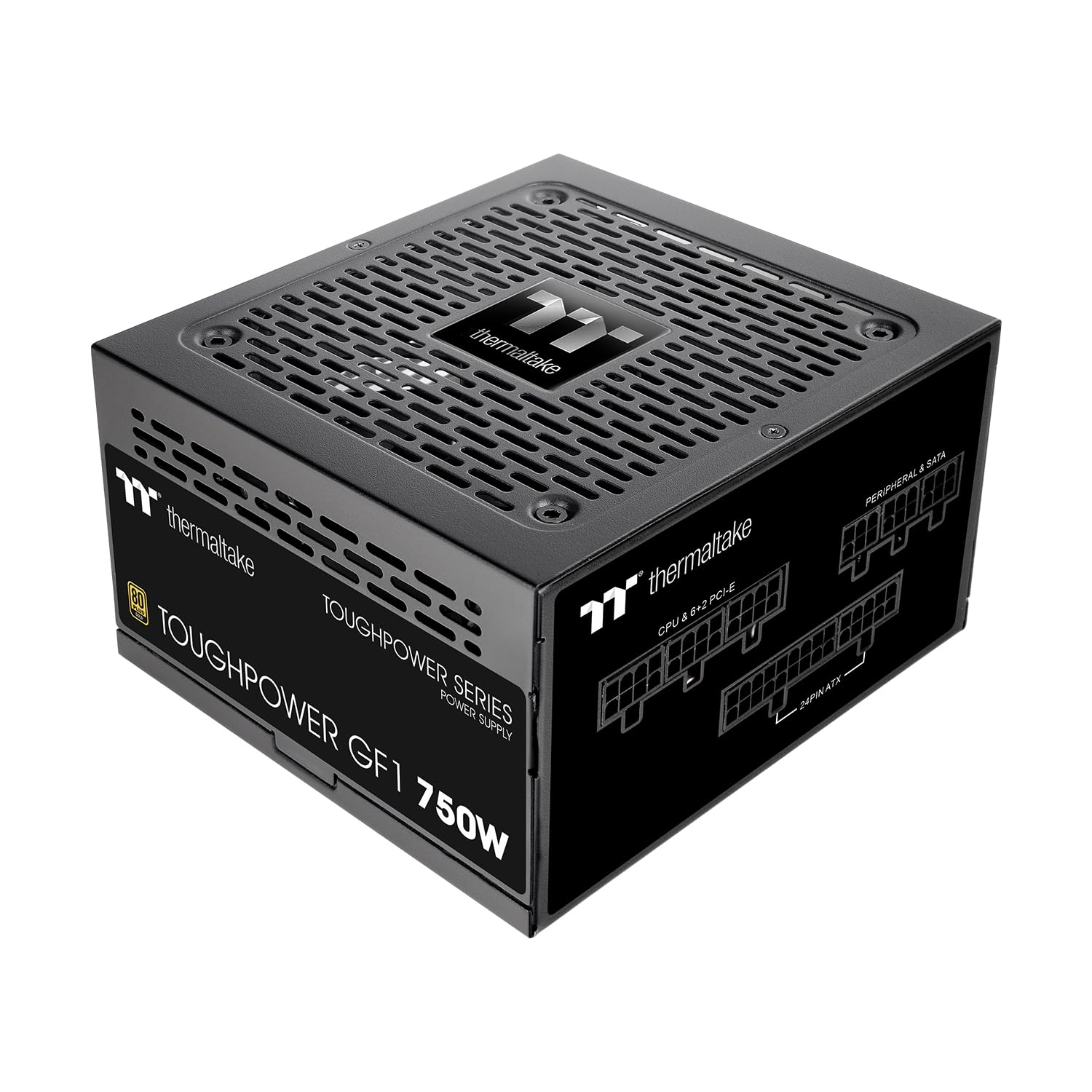

Thermaltake GF1 750W Fully Modular Power Supply
| Brand | Thermaltake |
|---|---|
| Series | GF1 750 2024 |
| Item model number | TPD-750AH2FLG |
| Item Weight | 3.37 pounds |
| Product Dimensions | 5.9 x 5.5 x 3.4 inches |
| Item Dimensions LxWxH | 5.9 x 5.5 x 3.4 inches |
| Color | Information Not Available |
| Voltage | 120 Volts |
| Manufacturer | Thermaltake |
| Country of Origin | Vietnam |
| Date First Available | October 12, 2023 |


TEAMGROUP T-Force G50 1TB NVMe Gaming SSD
| Hard Drive | Solid State Drive |
|---|---|
| Brand | TEAMGROUP |
| Series | G50 |
| Item model number | TM8FFE001T0C129 |
| Item Weight | 0.247 ounces |
| Product Dimensions | 0.87 x 3.15 x 0.15 inches |
| Item Dimensions LxWxH | 0.87 x 3.15 x 0.15 inches |
| Color | Black |
| Flash Memory Size | 1 TB |
| Hard Drive Interface | PCIE x 4 |
| Manufacturer | TEAMGROUP |
| Country of Origin | Taiwan |
| Date First Available | January 11, 2024 |
Maurizio87 –
At the time of purchase this was the best value for money 1440p/60fps rasterization-based gpu. It’s still quite powerful and has access to 16gb of ram. But games are starting to bring this card to its knees because they rely on DLSS, so 60fps+ is challenging on some of the newest games. Unfortunate, but it is what it is. 99% of games are going to be 1440p, 100+ fps, with no frame generation at all. Worth every cent and not constrained by Ram like the majority of Nvidia cards.
Robert –
Consigliata.
J –
This is an awesome graphics card for the price and beats out the same priced Nvidia RTX cards! I’ve always been an Nvidia fanboy but was so disappointed with their options for the $300 price range (3060 12gb and the 4060 8gb) so I hesitantly and cautiously went for an AMD GPU… It was the best switch I’ve ever made and can’t believe I didn’t switch sooner. This thing absolutely triumphs over any game at 1080p and is really great for 1440p! It runs pretty much every game ultra or very high at a great fps at 1440p, it absolutely rips at 1080p as well. Caution though: if your CPU is weak it will bottleneck your GPU at 1080p but it’s not too bad, just run at 1440p and downscale it to 1080p if this happens. Absolutely love and recommend this card!!!
Pros: -Great price for performance and beats similarly priced Nvidia cards
-Monster at 1080p and performs great in 1440p
-Triple fan design keeps it incredibly cool even under full load
-12GB VRAM will keep it running well into the future
-Fans don’t even need to spin when not utilizing GPU intensive task (even when full load used it’s quiet)
-Slick design and looks great
-AMD software is awesome to tune the card and is intuitive
Cons: -High wattage (really not that bad and you’ll only need a 650W PSU for most cases)
-Expels high amount of heat (kind of good though because triple fans dissipate heat so well)
-Pretty massive card, not a problem if your case can support at least 323 mm GPUs
-Possible need to upgrade CPU and Power Supply if they’re pretty old models
Overall I HIGHLY recommend this card and am very satisfied with my purchase, don’t be afraid to ditch Nvidia and come over to the red team!
FA –
Pubg oynuyorum 3050 kartımdan daha iyi performans verdi ısınma sorunu yok ryz5 5600 ile harika akıyor.
Fps harika
J –
UPDATE 01.10.2023. If you have an UPS between the wall plug and you PC make sure that can deliver enough Watt. My UPS beeps if the power draws more than 350 Watt. So I had to undervolt and tweak heavily the RX 6750 XT in order the UPS does not beep becauso of overload constantly while gaming. Since this GPU is super power efficient on idle, it draws only 5 Watt on idle, that is on normal tasks obviously not an problem. I play only Enlisted as game. So on Enlisted I had to adjust Adrenalin to follows so the entire system stays around 330 Watt as of the power drawing from the wall (UPS). Power % is on -6%, Max Frequency of the GPU is limited to 2425 Mhz and Voltage is reduced to 1170 mV. Undervolting the GPU on Adrenaline automatically gives me an value of 1175 mV so my manual undervolting is close to that. At 1160 mV undervolted the drivers tend to crash sometimes while gaming so 1170 mV is a stable value for this RX 6750 XT card. With these setting the Watt stays around 330 Watt as drawn from the UPS and on Medium settings on Enlisted I get around 330 fps, on High settings I get around 270 fps and on Ultra I get around 190 fps. At High settings and 270 fps the Hotspot temp of the RX 6750 XT shows 83 degrees Celsius and the GPU temp shows 73 degrees Celsius while the card is loaded to 97%. Mostly I sync the fps to my monitors Herz and that is 60 Hz in Enlisted and then the Hotspot temp is around 63 degrees Celsius (card load is around 20%).
So make sure your UPS is capable enough for this card if not you can adjust on Adrenaline by limiting the GPU.
MAIN Review
I will update this review if in the future happens an issue.
This works like advertised. The box came pretty much banged up but the inner box did not show any damages or tampering.
The card had all plastic covers still on so this is an new product despite the banged up outer box.
I recommend this RX 6750 XT.
It showed at first installing and booting up the picture without any drivers installed. It gave me at booting up an picture. Then I installed Adrenalin and all is fine and adjusted.
I installed this card in an XPG Invader case and it fits. It is an medium (midi) ATX tower case. It works together with the Ryzen 5900X, 64 GB DDR4 3200 MT/s Teamwork T-Expert RAM, 4 x 120 mm Arctic case fans, 600 Watt PSU, 120 GB Adata SSD, 256 GB Teamwork SSD and the MSi B450-A Max Pro motherboard. My first own build and allmost all components come from Amazon. This my own built was an “proof of concept” build.
Be aware that your UPS must be big enough to deliver enough Watt for this GPU since my APC 500 beeps if the whole system draws over 350 Watt. Same UPS did not do that when in another similar sistem with the Ryzen 5700G and RX 6600 installed. Even undervolted this RX 6750 XT makes the whole sistem draw over 350 Watts from the socket and the UPS starts to beep so I have to limit the fps on the Enlisted game I play with this to 60 fps since my monitor is 60 Hz. I can go as high as 120 fps on the RX 6750 XT in that game without any problems but soon as I set the fps to 144 then the UPS beeps continuously. At 60 fps on high or ultra settings this RX 6750 XT draws around 70 Watts and on 120 fps it draws around 113 Watts.
I tried to undervolt the GPU on Adrenalin already to 95% and -6% power but the UPS still starts to beep att 144 fps. At undervolting to 92% drivers crash. So one can undervol this RX 6750 XT only safe to about 95% while maintaining -6% power. Since it did not do a noticeable difference I just hit the undervolt automatically button instead of custom and it undervolts to 1175 mV. This GPU is indeed a bit to big of an power draw for my UPS but by careeful managing it will work.
At idle this RX 6750 XT is very power saving drawing only 5 Watts (5 to 8 Watts). My RX 6600 draws on idle 4 Watts so this one is allmost as efficient.
The fans of this XFX Qick stop below 60 degrees Celsius and turn only while gaming (Enlisted) on when the temps go over 60 degrees Celsius. At gaming the card is at hotspot mosttly at 64 degrees Celsius and the fans turn at 660 rpm. So this card stays cool due to it’s massive cooler. Since my UPS does not allow for testing the maximum on fps I get with this card, I can not tell you in the Enlisted game how hot this XFX RX 6750 XT would get on full performance and without any fps restrictions.
The end point of the GPU is somewhat flexible so you better use an GPU bracket holder to stabilize GPU drag.
The quicker VRAM speed of this versus the RX 6600 makes that it uses less VRAM on the Enlisted game.
Other than that this card has the potential to be one of the coolest cards due to it’s superb cooling system.
The backplate is metal (Aluminum) and acts as an heat sink which has heat transfer pads on both sides.
Normally I go for the Asus or MSi brand and this XFX brand is new to me but it outperforms coolingwise already now my other Asus RX 6600. I chose the XFX brand since it is an american brand.
I just read in the manual of the XFX that drivers and Adrenalin is not supposed to be installed before the GPU is istalled since the GPU will give the monitor automatically an signal or picture as it seems. After that you can install the Adrenalin software. Exactly as that it worked as well in my case. No problems whatsoever to get a signal, that is a picture on the screen.
Only 359$ is a bit a steep of a price for this as this should be the price of the RX 6800 and the RX 6750 XTt should price around 300$ only. The price is a bit high at 360$, basically 60$ to expensive about.
Specially no one knows the quality of the components used by XFX while one can be sure Asus will use most likely quality components which have an long durability. I have no clue what components and quality is XFX using in their GPU’s. XFX cooling system is however superb and better than others as it seems.
The cooling system of the XFX cards is held simple: massive grid cooler with slaped on fans and use of heat transfer pads. On the backside the aluminum backplate acts as an heat sink since it is connected with heat transfer pads for processor, VRAM and the like. Then 4 bigger heat pipes. An simple but effective cooling system.
This XFX Qick RX 6750 XT has “zero frost”. “zero dB” fans which are off below 60 degrees Celsius and the card is super quiet. No noise at all. No coil wind noise at all on mine.
If the components hold up and are durable, then I recomment this brand. This card AMD RX 6750 XT is a good mid level card even in 2023.
G. Ritter von Olfers-Batocki –
Great performance, for a good price
Upgraded from an ASUS Strix RTX 2070 (OC) to this and saw typically a 2x performance increase.
Minimum Mins increase: 92%, Maximum FPS Averages Increase: 210%, Minimum Average increase: 108%
Card has 16GB of VRAM so its great for 1440p, and is able to output at the resolution on Ultra (native resolution, no upscaling) with ESports games over 120fps, and most recent story games will get at least above 60fps unless they are really poorly optimized for PC.
It also performs well thermally in both an NZXT H500i (a case with really bad airflow design), and a Lian Li 011D.
According to benchmarks performed by PC component reviewers, this card is also great compared to RTX 4070TI’s.
The only downside is its not as good for ray tracing as RTX 4000 series cards, but its on par with 3000 series cards and twice as fast as 2000 series cards.
bob roger –
Comprata come upgrade di un pc da gaming dotato di ryzen 7 2700x, la scheda è eccezionale: regge qualsiasi gioco in 1080p a qualsiasi impostazione, e con il software adrenalin di amd supporta anche parecchie opzioni di miglioramento grafico e upscaling, ovviamente non fa miracoli, dipende molto anche dalla cpu che le si affianca, tuttavia un grande upgrade (vengo da una rx570).
La scheda è molto robusta, con un backplate di alluminio pressofuso nella parte superiore che la rende discreta ed elegante, non ho riscontrato rumori molesti da parte delle ventole, ricordiamo che xfx, sapphire e asrock sono le scelte migliori per quanto riguarda customizzazioni amd, poichè sono partner ufficiali, quindi anche il supporto hardware è dedicato appositamente ai chip venduti, scelta ottima anche per il prezzo, consigliata
Mark M –
يشغل مودرن 3 200 فريم على اعدادات mid وجوده 1080pوالحراره 40° او 50° اذا ماخليت مراوح الكيس على اقوى شيء، الي حاب انوهه انك لازم تغير سرعه المراوح من برنامج AMD عشان تاخذ كامل اداء الكرت